FcpxMic Clean for Final Cut Pro
A downloadable application for macOS
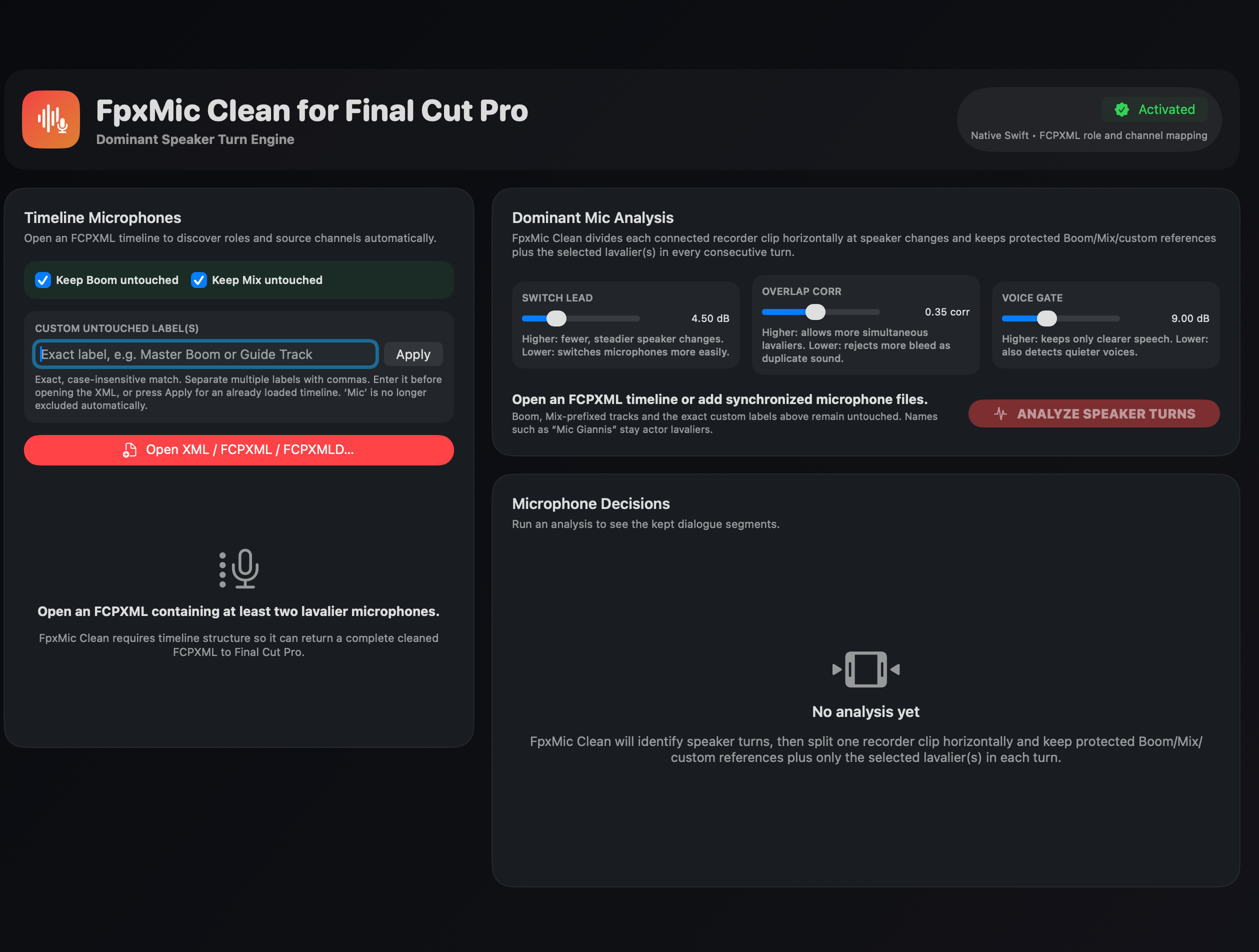
FpxMic Clean for Final Cut Pro automatically analyzes multichannel production dialogue and creates a cleaned FCPXML timeline containing only the microphones of the active speakers.
The application detects consecutive speaker turns, separates recorder clips at the appropriate edit points and keeps the selected lavalier microphone—or microphones—active for every dialogue section. Boom, Mix and custom reference tracks can remain completely untouched.
Designed for editors working with interviews, documentaries, television productions and multicamera dialogue, FpxMic Clean can dramatically reduce the time spent manually muting inactive or unwanted microphones.
Key features:
- Automatic dominant-speaker detection
- Consecutive horizontal speaker-turn editing
- Support for overlapping dialogue
- Protection for Boom and Mix tracks
- Custom protected microphone labels
- Adjustable Switch Lead, Overlap Correction and Voice Gate controls
- Native FCPXML role and source-channel mapping
- Universal macOS application for Apple Silicon and Intel Macs
- Three-day free trial
- Activation on up to two Macs
Workflow:
- Export the timeline as FCPXML from Final Cut Pro.
- Open the FCPXML in FpxMic Clean.
- Confirm the protected Boom, Mix or custom reference tracks.
- Analyze the speaker turns.
- Export the cleaned FCPXML and open it in Final Cut Pro.
FpxMic Clean does not alter the original timeline or media files. It creates a new cleaned FCPXML, keeping the original project protected.
Purchase
In order to download this application you must purchase it at or above the minimum price of 35.00€ EUR. You will get access to the following files:
Leave a comment
Log in with itch.io to leave a comment.